
Screenshots
App details
- Updated
- Aug 22, 2023
- Language
- English
- Developer
- Tencent
- Category
- Mobile
SoftPas in:
This product is also available in the following languages:
About Internet Cafe Simulator
Download Internet Cafe Simulator – management game, build cybercafé, 3D simulation, first-person perspective, play on pc, game loop, realistic graphics, immersive gameplay, business simulation
Overview
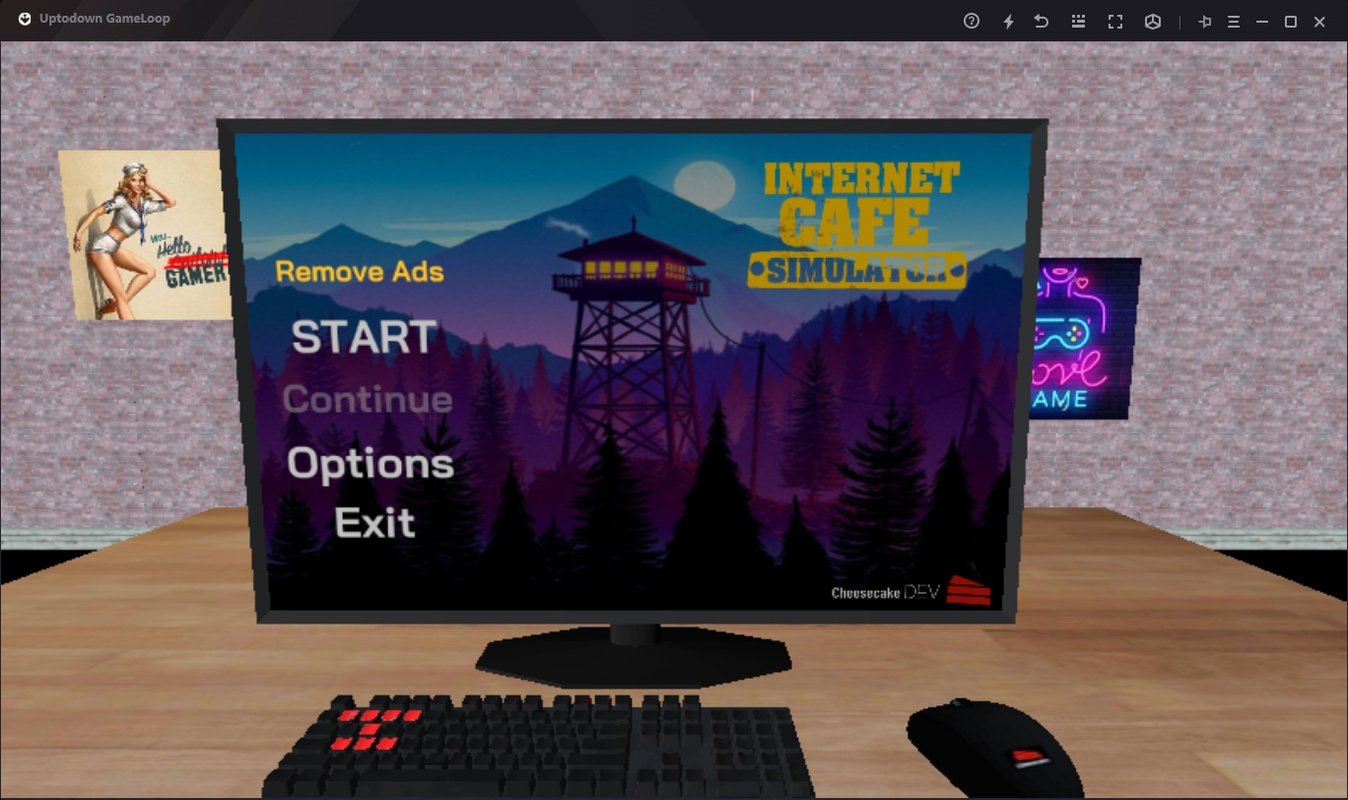
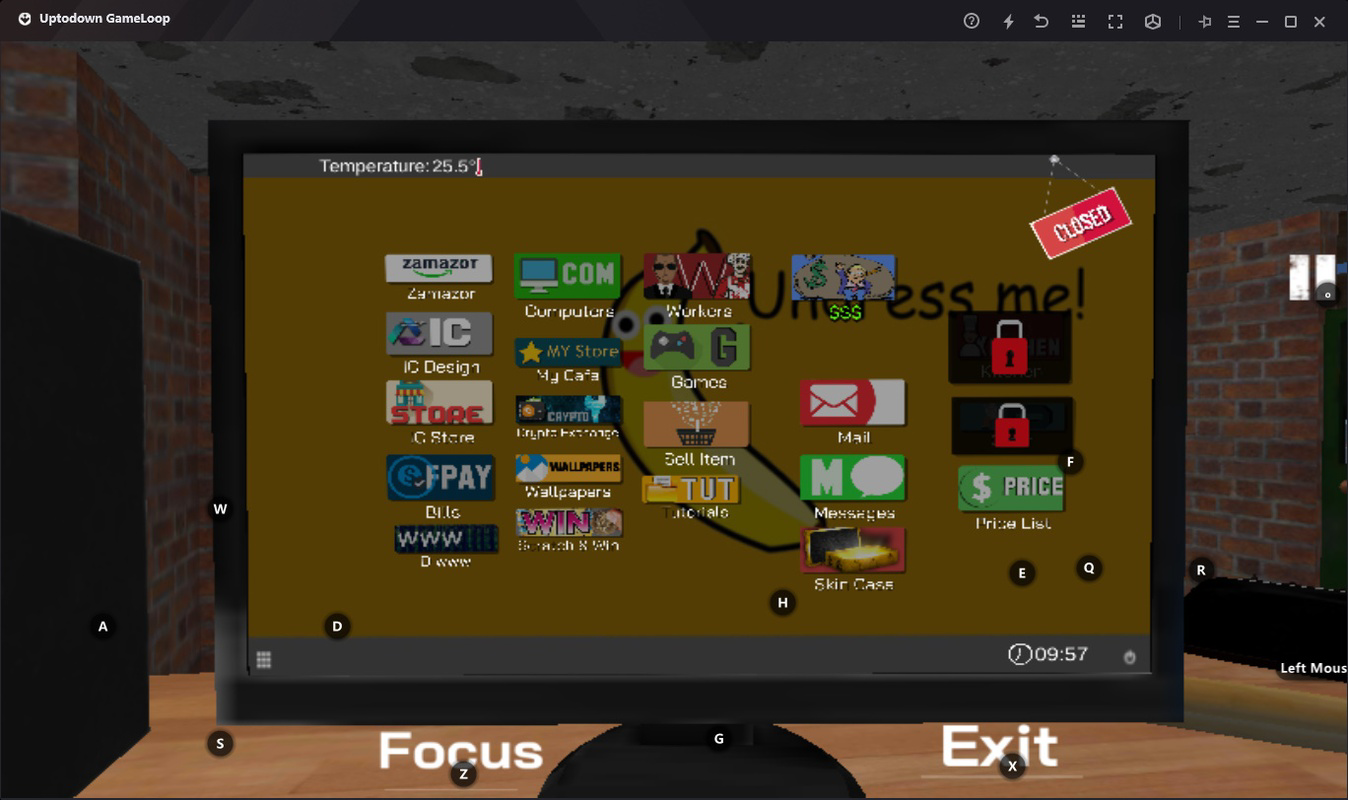
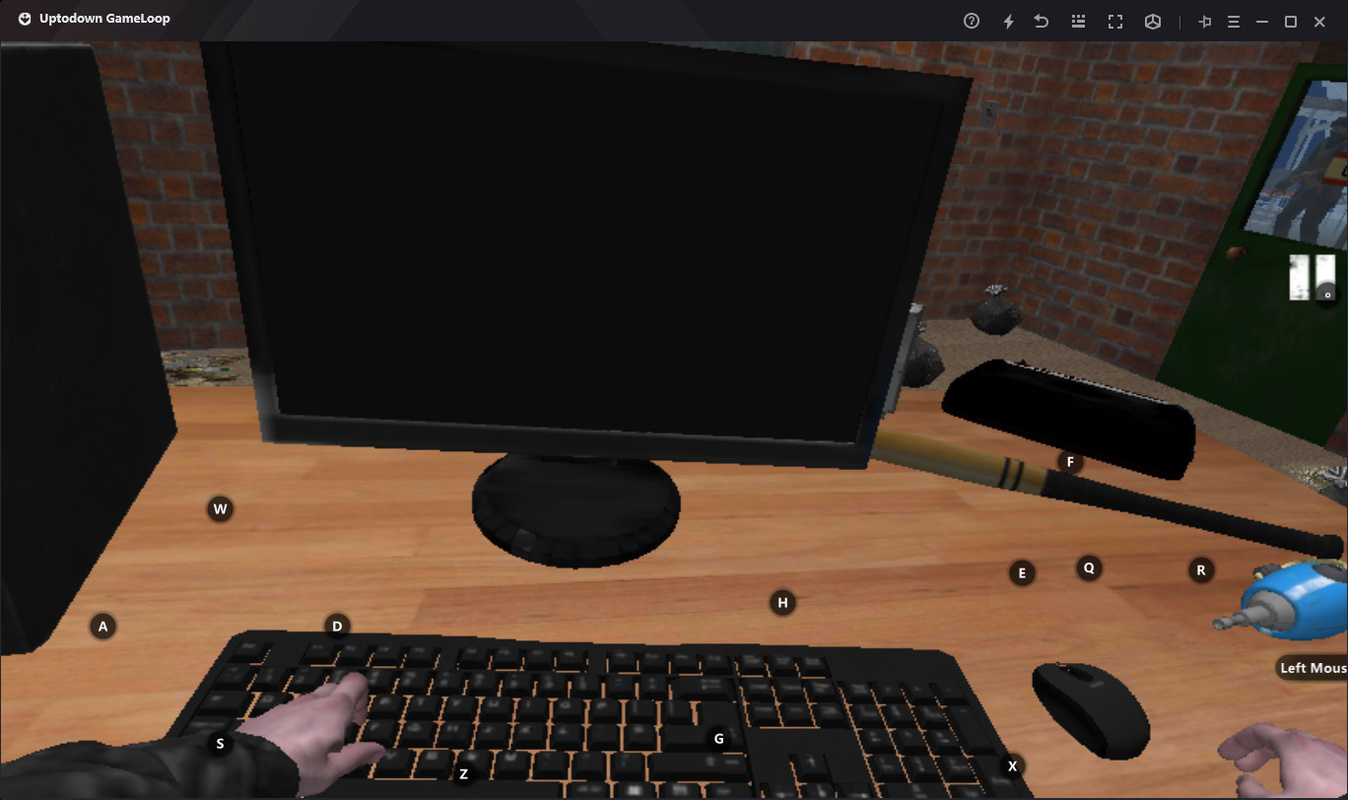
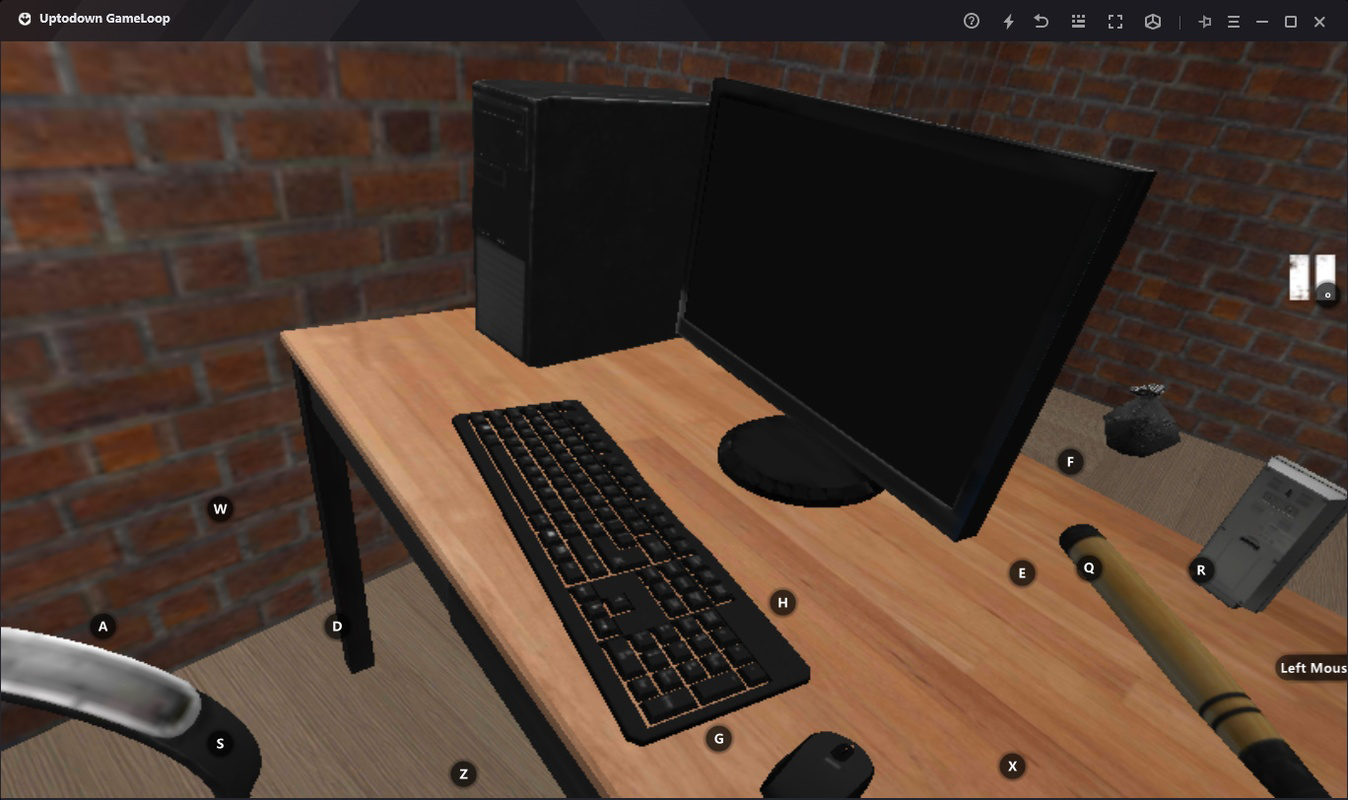
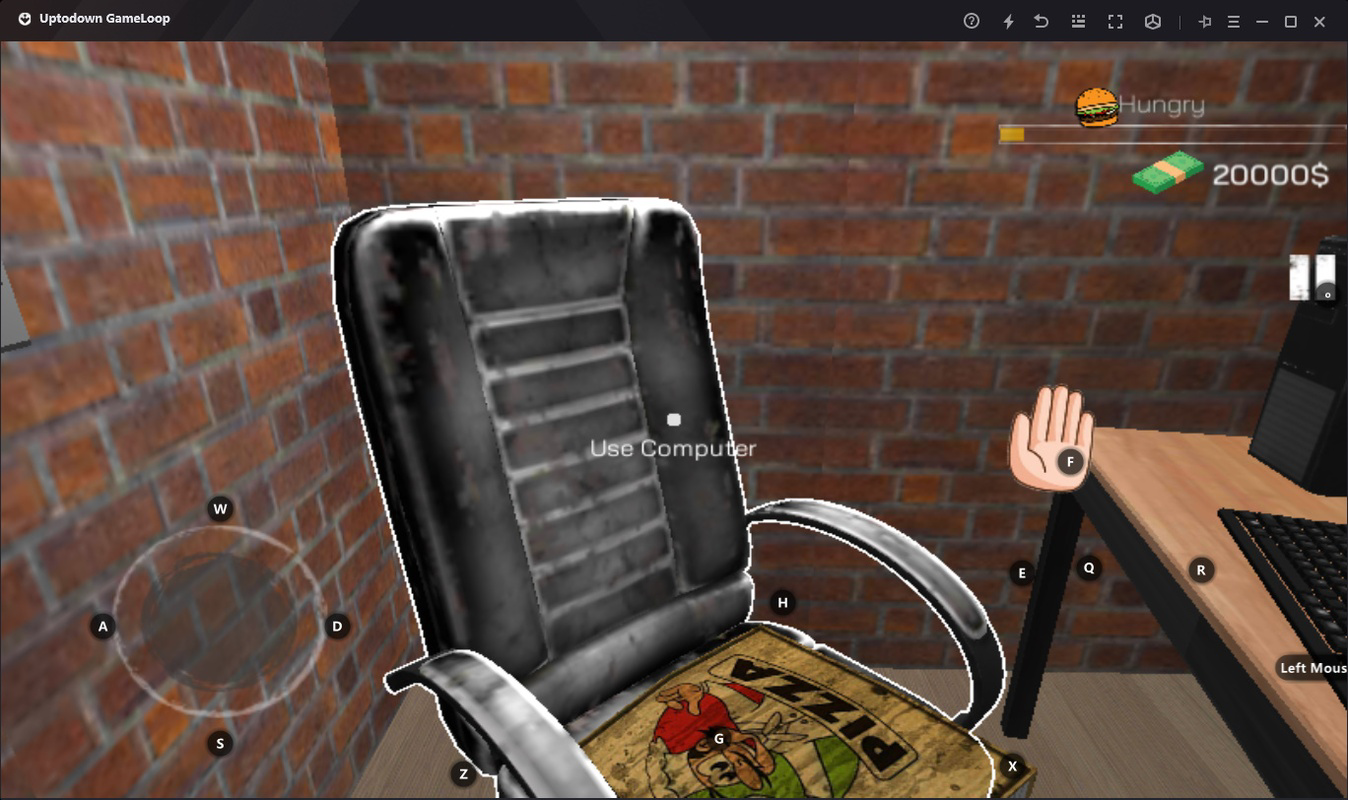
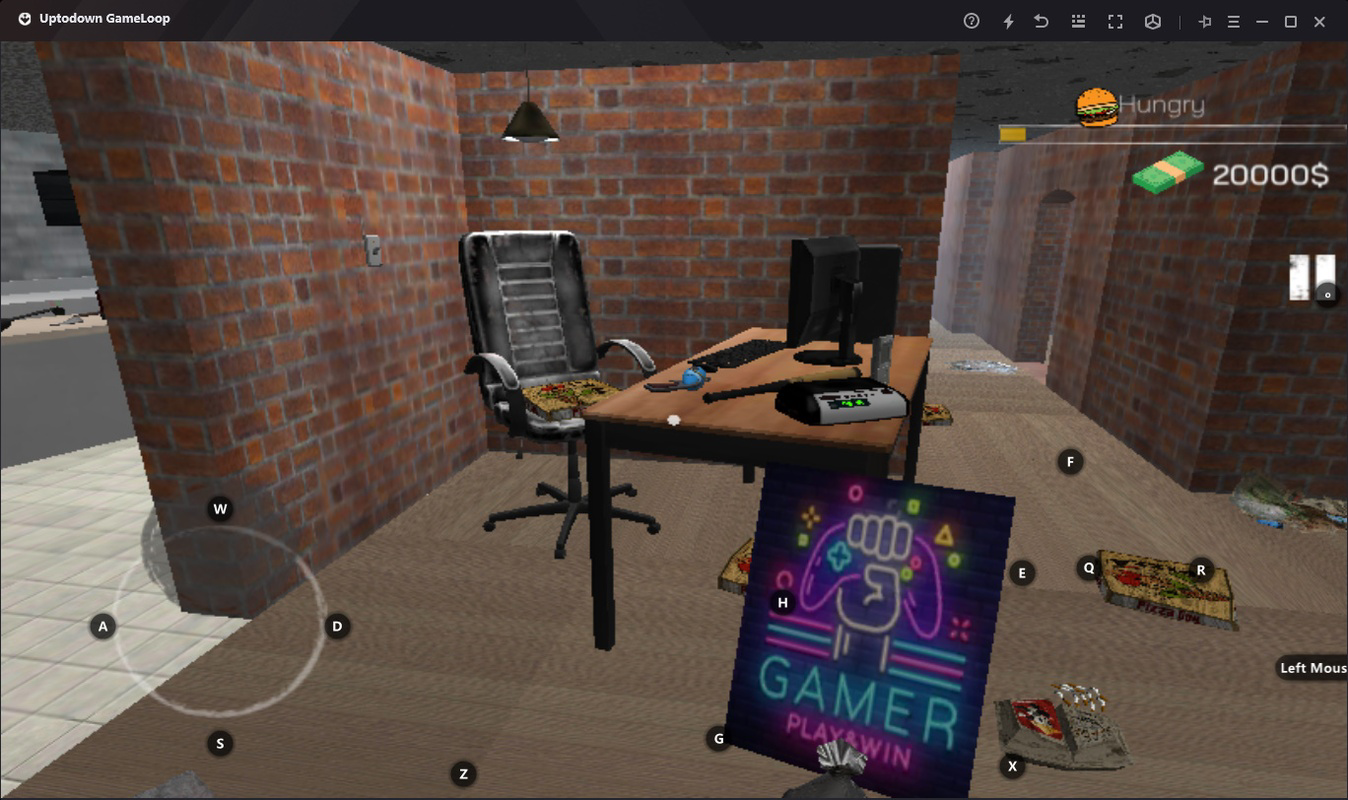
Internet Cafe Simulator is a simulation game designed for Android users, offering a unique blend of business management and immersive 3D gameplay. The app allows players to create, manage, and grow their own internet café from the ground up, simulating real-world challenges such as budgeting, staffing, equipment maintenance, and customer satisfaction. The game is built around a first-person perspective, enhancing player immersion by placing them directly within the environment. This perspective enables intuitive navigation and interaction with the café’s interior, including computers, furniture, and staff members.
The game is ideal for fans of management and simulation genres, particularly those who enjoy strategic decision-making and long-term planning. Whether on a smartphone or via the Tencent GameLoop emulator on PC, players can experience the full scope of the game’s mechanics. The realistic graphics and dynamic 3D scenes contribute to a polished visual experience, making the cybercafé feel tangible and alive. While the developer, Tapp Games, did not provide additional details about their background, the game’s design suggests a focus on accessible yet engaging gameplay.
Real-world use cases include casual entertainment, strategic thinking practice, and digital entrepreneurship simulation. The game’s emphasis on resource allocation and operational efficiency reflects principles relevant to small business management. In the broader app ecosystem, Internet Cafe Simulator stands out as a niche yet well-crafted title that caters to a growing audience interested in immersive simulation experiences on mobile and desktop platforms.
Key Features & Functionality
- First-person 3D perspective – Players experience the game environment from a first-person viewpoint, allowing for natural interaction with computers, chairs, and staff. This enhances immersion and realism, making navigation and management feel intuitive.
- Business management simulation – Users must balance investments in hardware, employee hiring, and utility payments such as rent and electricity. Each decision impacts the café’s profitability and reputation.
- Customization and expansion – Players can upgrade computers, rearrange furniture, and expand the physical space to accommodate more customers and improve service quality.
- Employee management – Hiring and training staff is essential for handling customer requests, maintaining equipment, and ensuring smooth operations. Staff performance directly affects customer satisfaction and business growth.
- Replayability through dynamic challenges – Each new game session presents different scenarios, such as fluctuating customer demand, equipment failures, or budget constraints, encouraging strategic adaptation and long-term planning.
For example, a player might start with a small room and two computers, then gradually expand by reinvesting profits into better hardware and hiring additional staff. Over time, the café can evolve into a high-end gaming hub with premium services. The game’s mechanics reward thoughtful planning and resourcefulness, making it more than just a casual pastime. The ability to play on PC via GameLoop adds flexibility, allowing players to use a mouse and keyboard for precise control during complex setup phases.
Interface, UX & Performance
The user interface of Internet Cafe Simulator is designed with simplicity and clarity in mind. The main menu and in-game controls are accessible through intuitive touch gestures, minimizing the learning curve for new players. Navigation within the 3D environment is smooth, relying on swipe-based movement and point-and-click interactions with objects. The layout prioritizes functionality, with essential tools such as the budget tracker, employee panel, and equipment upgrade menu readily available.
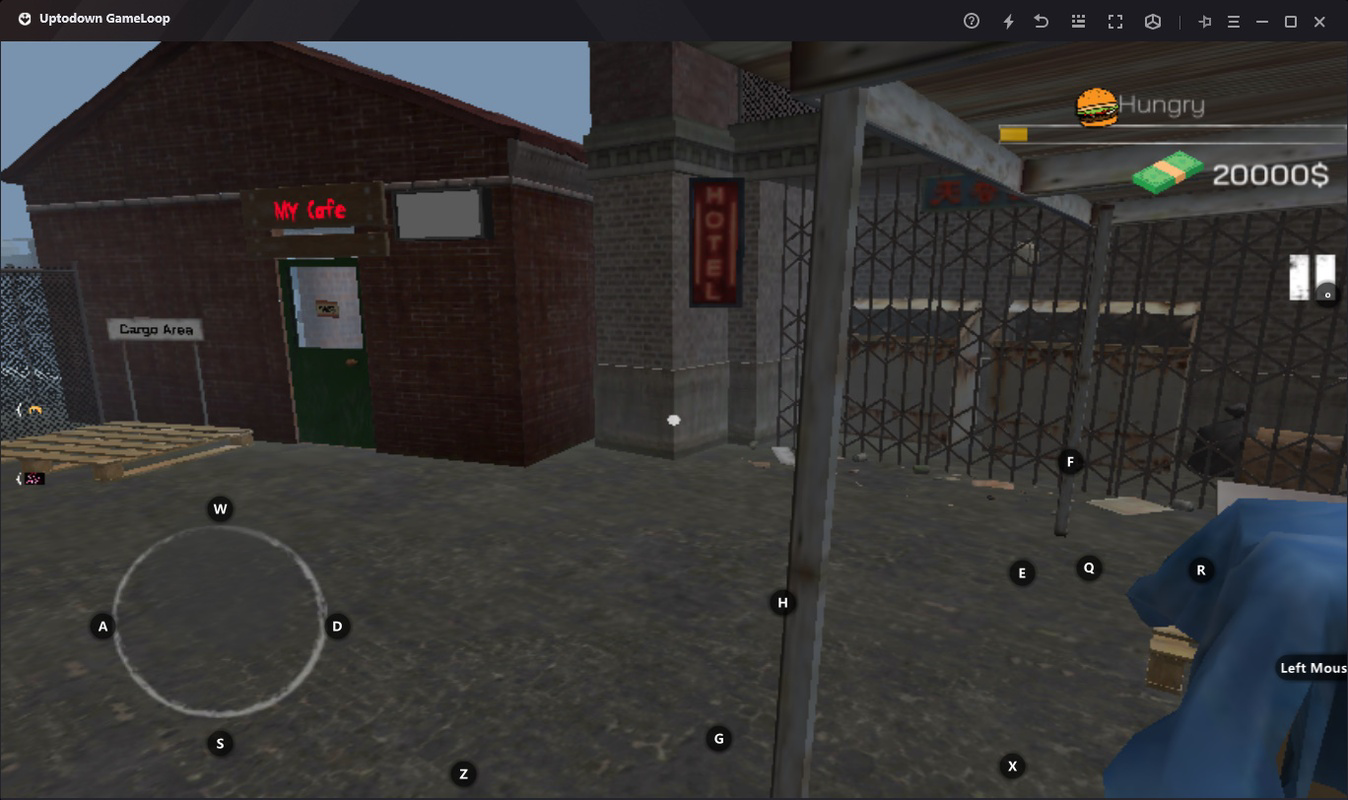
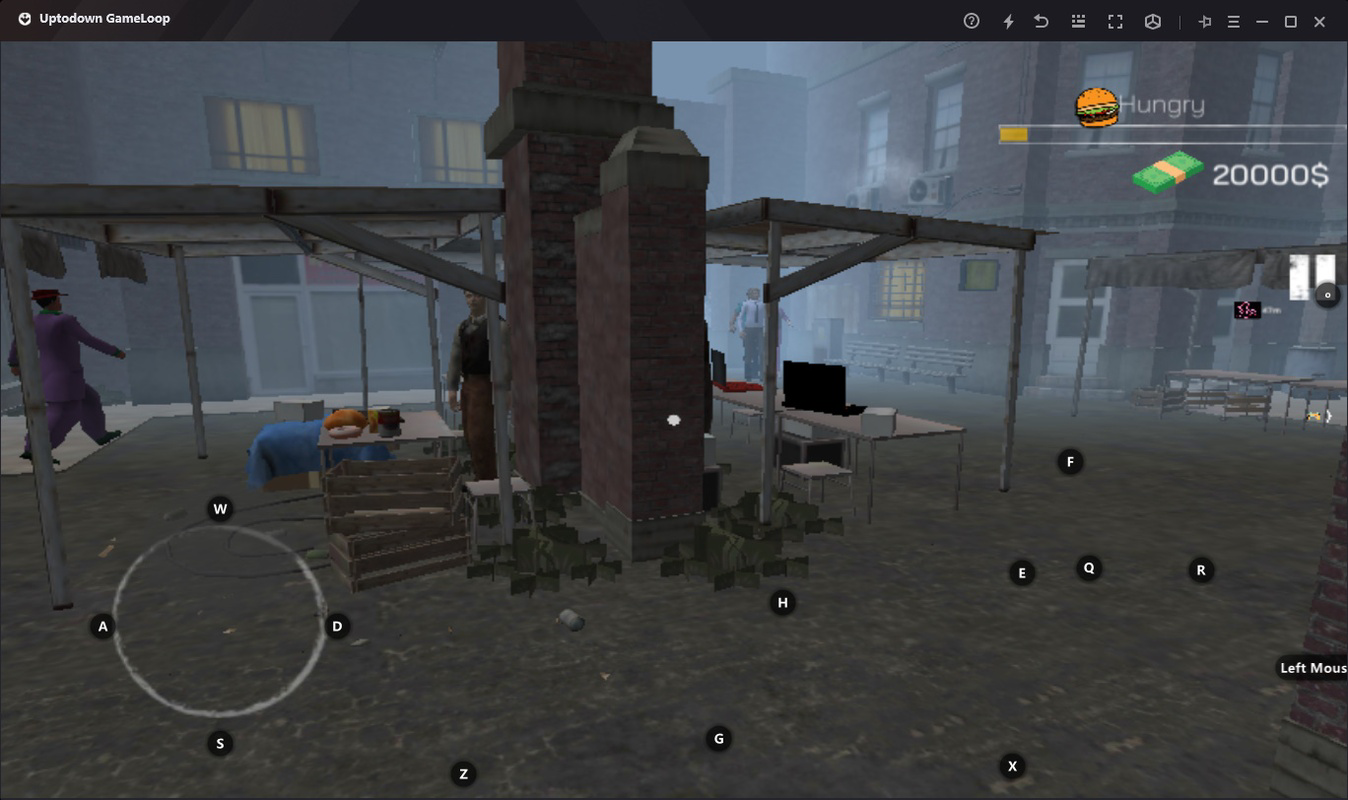
Visual style emphasizes realism, with detailed textures, lighting effects, and animated characters that contribute to a believable cybercafé atmosphere. The first-person perspective enhances spatial awareness, allowing players to assess room layout and customer flow effectively. Although the developer did not list formal performance metrics, the game runs on Android and is compatible with the GameLoop emulator on PC, suggesting optimized performance across various device categories.
Responsiveness is consistent during gameplay, with minimal lag reported in standard use cases. Stability appears reliable, though the developer did not provide crash reports or error logs. The game maintains a steady frame rate during routine operations, ensuring a seamless experience. Overall, the UX is well-balanced between depth and accessibility, making it suitable for both casual players and simulation enthusiasts.
Platform Compatibility & Technical Requirements
Internet Cafe Simulator is available exclusively on the Android platform and requires Android operating system to function. The current version is 1.0.0, with a file size of 482.7 MB. The app is free to download and install, with no in-app purchases or subscription fees mentioned in the provided information.
For users interested in playing on PC, the game supports the Tencent GameLoop emulator, which enables a desktop experience with mouse and keyboard controls. The emulator automatically installs necessary components, streamlining the setup process. However, specific system requirements such as minimum RAM, processor speed, or GPU specifications were not disclosed by the developer.
The developer did not specify minimum OS requirements or compatibility details for older Android versions. As such, users should ensure their device meets general Android standards for running 3D games. The app’s size suggests it includes high-quality assets and 3D models, which may impact storage and performance on lower-end devices.
Pros and Cons
Pros
- Immersive first-person 3D gameplay enhances realism and engagement.
- Realistic business simulation mechanics promote strategic thinking and planning.
- Replayability is high due to dynamic challenges and varied scenarios.
- Available on PC via GameLoop emulator, expanding accessibility.
- Free to download and install with no in-app purchases mentioned.
Cons
- Specific system requirements were not listed for optimal performance.
- Compatibility with older Android devices was not confirmed.
- Developer did not provide details about future updates or content plans.
- Limited information on multiplayer or social features.
- Performance on low-end devices may vary without official testing data.
FAQ
Can I play Internet Cafe Simulator on my PC?
Yes, the game can be played on PC using the Tencent GameLoop emulator, which is bundled with the necessary components for a smooth experience.
Is Internet Cafe Simulator free to download?
Yes, the app is currently free to download and install on Android devices.
Do I need an internet connection to play?
While the game may require an internet connection for initial setup or updates, it does not appear to need a constant connection for gameplay.
What devices are compatible with the game?
Internet Cafe Simulator is designed for Android devices. For PC use, the Tencent GameLoop emulator is required, though specific hardware requirements were not disclosed.
Are there any in-app purchases in the game?
Based on the provided information, the app is free with no in-app purchases or subscription fees mentioned.
Final Thoughts
Internet Cafe Simulator delivers a compelling mix of management strategy and immersive 3D simulation, making it a standout title in the Android simulation genre. Its first-person perspective and realistic business mechanics create a deeply engaging experience that appeals to both casual gamers and simulation enthusiasts. The ability to play on PC via GameLoop adds significant value, broadening accessibility and enhancing control precision.
For players who enjoy building and managing virtual businesses, this game offers a rewarding challenge with strong replayability. The combination of visual polish, intuitive interface, and strategic depth makes it a worthwhile addition to any mobile gaming library. Whether you're managing a small cybercafé or scaling up to a full-scale gaming hub, the game provides a satisfying sense of progression and accomplishment.
Download Internet Cafe Simulator now
Guides & Tutorials
How to install Internet Cafe Simulator
- Click the Download button above.
- Once redirected, accept the terms and click Install.
- Wait for the Internet Cafe Simulator download to finish on your device.
How to use Internet Cafe Simulator
This software is primarily used for its core features described above. Open the app after installation to explore its capabilities.
User Reviews
No reviews yet. Be the first to share your experience.
You may also like
more
Que no te pillen¡
About !Que no te pillen¡Reviewed by Jason A. BilbreyShow MoreShow Less

3D Combat Zone
About 3D Combat ZoneOriginally released in 1983, 3D Combat Zone immerses players...

666: El día del portal
About 666: El día del portalOn June 6, 2006, Agent P. Stone uncovers a sinister...

80 in 1 Best Flash games
About 80 in 1 Best Flash games 80 in 1 Best Flash games is a collection of 80 fl...

ABYSS SEEKERーーWhat Do You See Deep in The Abyss
About ABYSS SEEKERーーWhat Do You See Deep in The AbyssIn ABYSS SEEKER, players...

ACA NEOGEO THE KING OF FIGHTERS 2002 for Windows
About ACA NEOGEO THE KING OF FIGHTERS 2002 for WindowsTHE KING OF FIGHTERS 2002,...